
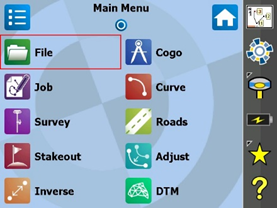
1) Select File
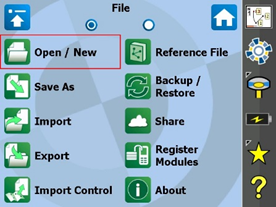
2) Select Open/New
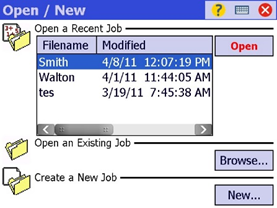
3) Select job and then open
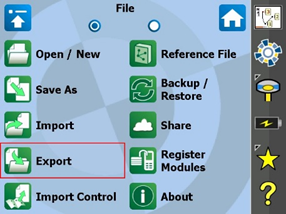
4) Select Export
5) Open the dropdown and select .csv
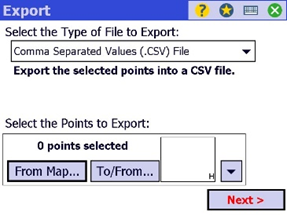
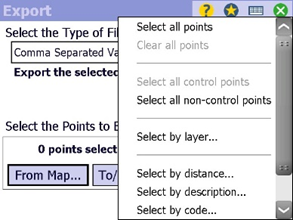
6) Select all points and the select next
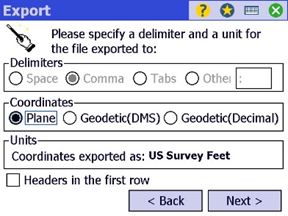
7) Be sure your Delimiters and Coordinates are correct and select next
8) Select the back tab top left of display and the open Hard Disk and select the green check
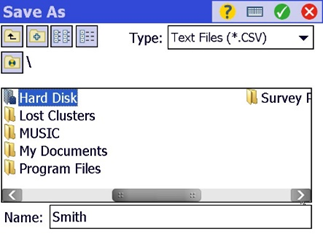
9) Your .csv file is now saved to your Thumb Drive
10) Select the Windows button on your TSC/Ranger 3
11) Select File Explorer and then the Show dropdown
12) Select Hard Disk and locate your .csv file to ensure it was exported
Comments
0 comments
Please sign in to leave a comment.